 Groove
 Festival Photography With Just Your Phone: What to Try First
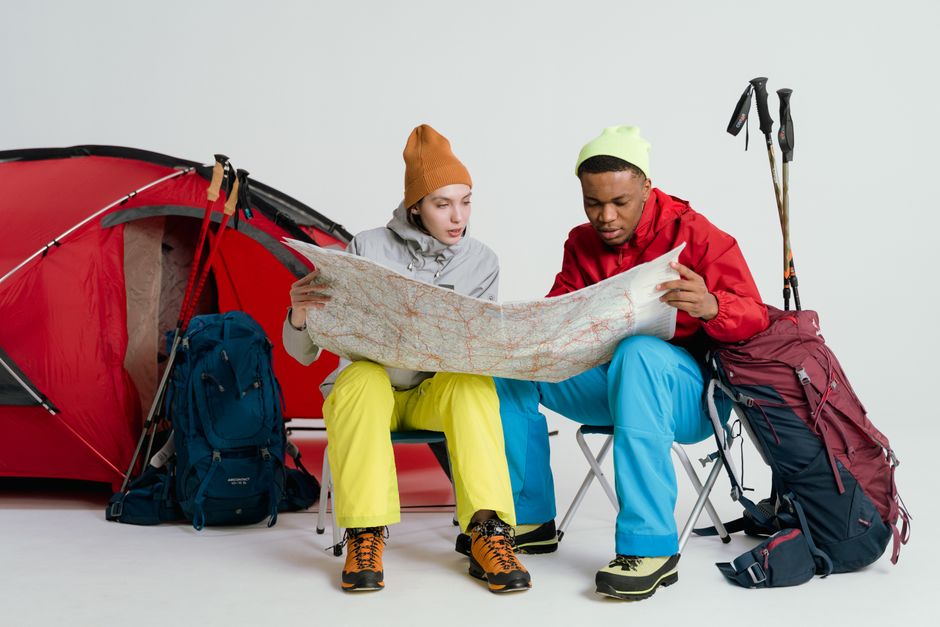
If festival photography on a phone is new to you, start with the simplest version. The aim is to keep things simple and stress-free. Below, we walk through festival photography on a phone step by step.
Start here
More often than not, be respectful. Ask permission before photographing strangers up close, and avoid filming others in private moments. Some artists or stages restrict photography, so check the rules. Keep your phone low during performances to avoid blocking the view of others, and avoid using flash, which is distracting and rarely helps at distance.
Leaving your space as clean as you found it keeps events welcome everywhere.
What you need
It helps to remember that protect your battery and your phone. Switch on low power mode, lower screen brightness and carry a power bank. Use a wrist strap or a zippered pouch to prevent drops, and a waterproof bag in case of rain. Back up photos to cloud storage when you have a good connection. After the festival, pick your best ten images, edit lightly and share the story they tell.
It helps to agree on a meeting point before phones run out of battery.
Your first time
In practice, your phone is more than enough to capture great festival photos. Begin by cleaning the lens with a soft cloth, since dust, sunscreen and fingerprints blur images. Turn on the grid lines in the camera settings to support keep horizons straight. Set your phone to save in high quality, and make sure you have enough storage space before the day begins.
What to expect
The key point is that light is the biggest factor. Daytime shots look best in the soft light of morning and late afternoon, when colors are warm and shadows are gentle. At midday, look for shade or use the sun behind your subject carefully. Tap the screen to set focus and slide the exposure control to brighten or darken. At night, stage lighting shifts constantly, so tap on the brightest face and hold steady.
Small details like a spare bag for wet clothes make a big difference.
Easy upgrades
More often than not, compose with care. Try shooting from a low angle for a dramatic view of the crowd, or from a high spot for a wide scene. Include details like hands in the air, colorful banners, dust in the light and the stage lights. Move closer rather than zooming in, because digital zoom reduces quality. Short videos and burst mode support capture the moment when everything happens at once.
Practical tips
Some practical points to keep in mind:
- Take your rubbish home or use the recycling points.
- Carry a small power bank for your phone.
- Agree on a meeting point with your group.
- Pack layers; nights outdoors get cold quickly.
The bottom line
None of this needs to be perfect. Keep it simple, stay flexible, and enjoy the music. That is really all it takes.
Frequently asked questions
How far ahead should I plan?
A few weeks is enough for most events. Tickets, travel and camping spots are the things to sort first.
Do I need special gear?
Not really. For festival photography on a phone, comfortable shoes, layers and a good bag matter more than expensive equipment.
Is it fine to go alone?
Yes. Many people go to events solo. Share your plans with someone at home and keep your phone charged.
What if the weather turns bad?
Pack a light rain jacket and a spare set of dry clothes. Most events go ahead in rain, so plan to enjoy it anyway.